Create your wish list
- Add gifts to your wish list
- Friends & family can reserve gifts
For every occasion

Something to be happy about!
- Modern and trendy, completely up to date.
- Seamlessly add gifts from any of your favorite online shops.
- Easy and fast sharing via WhatsApp, email, or via a link.
- Never receive duplicate gifts again.
- Looks fantastic on all your devices.
Collect gifts
Collect gifts and add them to your wish list!
Share your wish list
Share your wish list via WhatsApp, email, or via a link.
Cross off
Those who received your wish list can pick something nice and cross it off your list.
Online name drawing is also possible
Draw names for Christmas or other occasions?
Start drawing names now at PrettyWishList.com, that's really fun!
Don't have everyone's email address? No problem! You can also send drawn names via WhatsApp or via a link.
Participants can also create a wish list if they want to.

Gifts to put on my wish list

Discover gift ideas for children of all ages. Find fun, creative presents for every birthday wish list.
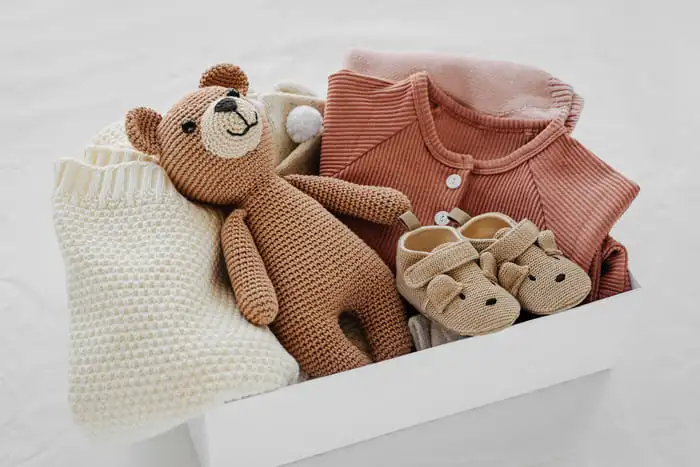
Explore baby registry must-haves for new parents. Find essential baby items for your wish list.

Find baby shower gift ideas for new parents. Discover practical, thoughtful gifts for baby celebrations.

Browse unique gifts for men for every hobby. Get inspired with gift ideas for him.

Find thoughtful gifts for mom for any occasion. Discover meaningful presents she will love.

Explore the best gifts for dad in one place. Discover original gift ideas for every type of father.

Discover Valentine's Day gifts for him and her. Find romantic gift ideas for your special someone.

Explore Christmas gift ideas for everyone on your list. Find festive presents for a memorable holiday season.
Questions and answers
The first step is to log in or create an account.
Once logged in, you will automatically be taken to the 'Create wish list' screen. Give your list a name and then press 'Create list', and your wish list will be created.
You can create a separate wish list for every occasion, for example a wish list for your birthday, Christmas, or other occasions.
Of course! Go to our Gift Finder. You can easily search and get search suggestions that give you ideas. You can choose categories and filter by color or brand, and you can also sort by rating, best selling, price, etc. This is one of the great advantages of PrettyWishList.com. Search quickly, find what you want, and add it to your wish list.
It's very simple! Once logged in, go to the Gift Finder. Search for what you want and then press 'Add'. Select which wish list (if you have multiple lists) you want to add this item to. Indicate whether you want people to be able to cross the item off your wish list. Press 'Confirm'. The item will then be added to your wish list.
If you can't find something in the Gift Finder, you always have the option to manually add something to your wish list. Choose 'Add manually' in the Gift Finder. We support all webshops.
Once logged in, go to 'My Lists & Draws'. You will see all the wish lists you have created. Press 'Go to wish list' to open your wish list. You can share each wish list via WhatsApp, email, and via a link. You can paste this link in an email or include it on a card.
Recipients can then click the link or type it in. Your wish list will appear and they can easily cross off items, without having to create an account themselves. This way you won't receive duplicate gifts.
PrettyWishList.com makes it easy to create a beautiful wish list for any occasion. You can quickly find gifts with our Gift Finder or add items manually from any webshop.
Sharing is simple via WhatsApp, email, or a direct link. People who want to cross off items from your list don't need to register with us, which keeps the experience easy for everyone.
PrettyWishList.com is also available in Dutch: Verlanglijst Online. Verlanglijst Online works the same way as PrettyWishList.com.